How to Boost Shopify Conversions with Promotion Banners
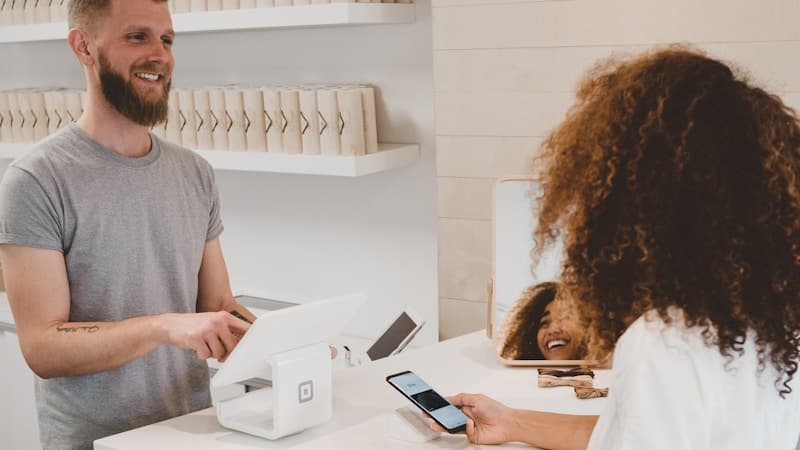
Promotional banners are one of the most effective tools for driving conversions on your Shopify store. When placed strategically, they can increase your conversion rate by up to 18%.
Why Promotion Banners Work
Banners create urgency and highlight offers that customers might otherwise miss. They sit at the top of your store, ensuring every visitor sees your latest promotion before browsing products.
Best Practices
1. Keep it short and clear. Your banner message should be under 10 words. "Free shipping on orders over $50" works better than a paragraph.
2. Use contrasting colors. The banner should stand out from your store's theme. If your store uses white backgrounds, try a bold indigo or red banner.
3. Include a deadline. "Sale ends Sunday" creates urgency that drives immediate action.
4. A/B test your messages. Try different offers and track which ones get more clicks. Our Promoly Apps dashboard makes this easy with built-in analytics.
How Promoly Apps Helps
Our Promotion Banners app lets you create, schedule, and manage banners directly from your Shopify admin. Toggle banners on/off, change colors and text, and see real-time performance metrics, all without touching code.
Ready to boost your conversions? Try our app demo or install Promoly Apps.
Rate this post
The Eyebroadband team is a Mumbai-based group of Shopify developers, AI engineers, and broadband infrastructure specialists.
Related Posts
Edit Your Shopify Theme With Git, Claude Code and MCP: Build Sections, Pages and Blog Posts From Your IDE
Oct 10, 2026
Introducing Inventel SEO App: Stop Losing Shopify Sales to Broken Links and Weak SEO
Oct 10, 2026
Q4 Holiday Marketing Calendar: What to Send From Diwali to New Year
Oct 10, 2026